

Download TU Me – Free Messaging, Instant Calls, Android App
Overview
TU Me is a desktop-compatible messaging and calling application designed for Android users, offering a streamlined experience for instant communication. The software enables users to send text messages, share photos, locations, audio clips, and make free internet-based calls to other TU Me users. It aims to serve as a viable alternative to established messaging platforms such as WhatsApp and Viber, targeting individuals seeking a clean, intuitive interface with core communication features.
The app integrates directly with the device’s contact list, simplifying the process of connecting with friends and family. Its primary purpose is to provide a secure, low-cost method of staying in touch through text and voice, particularly useful for users looking to reduce mobile data or call expenses. The software is especially suited for consumers and casual users who prioritize ease of access and functionality over advanced customization.
While the developer did not provide additional background information, the app’s design suggests a focus on user accessibility and minimal friction in daily use. Real-world scenarios include staying connected with remote contacts, sharing media quickly, or making long-distance calls without incurring traditional charges.
Key Features & Capabilities
- Instant Messaging: Send and receive text messages in real time, with support for message delivery confirmation and read receipts.
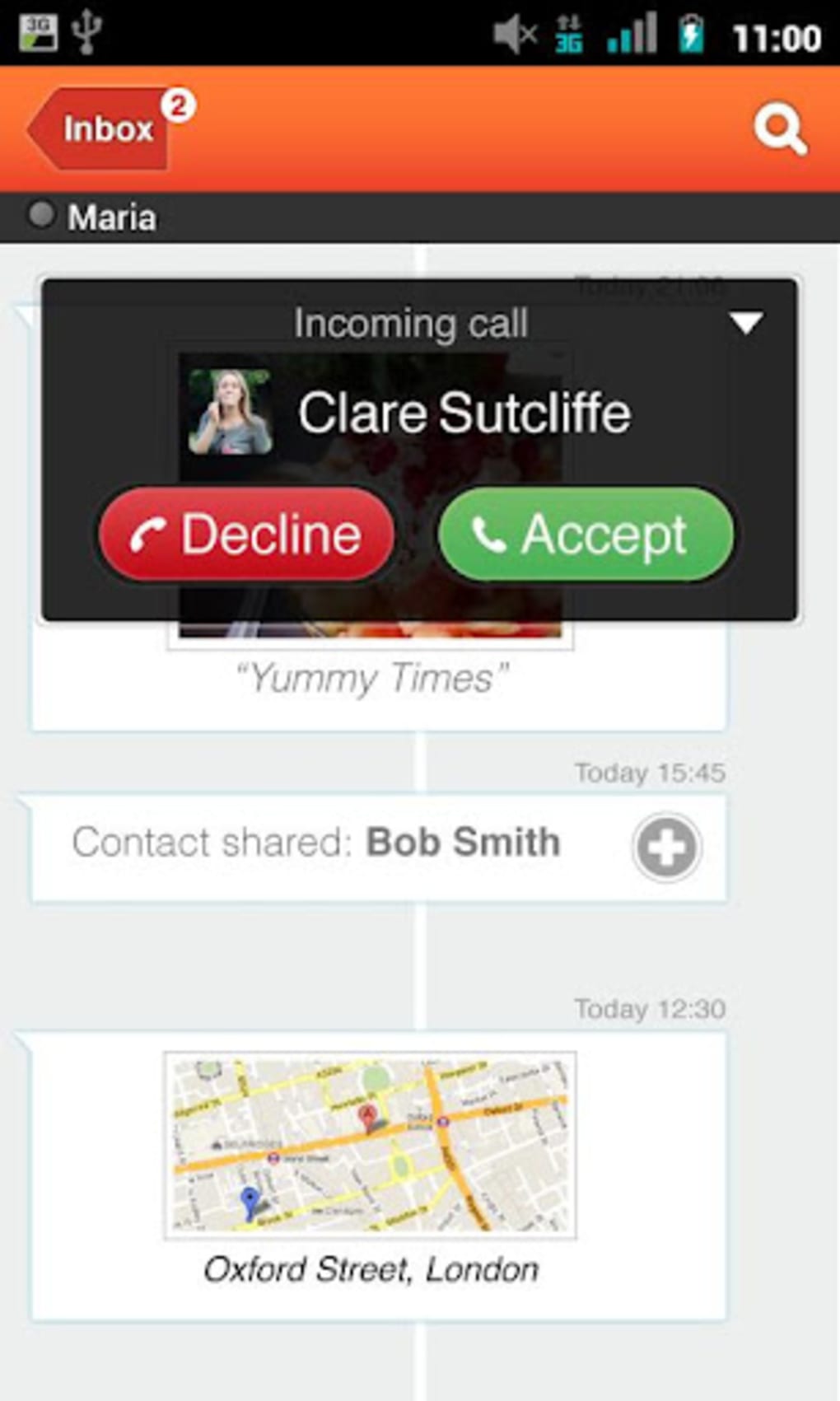
- Free Internet Calls: Make voice calls over Wi-Fi or mobile data without incurring standard phone charges, similar to Viber and WhatsApp.
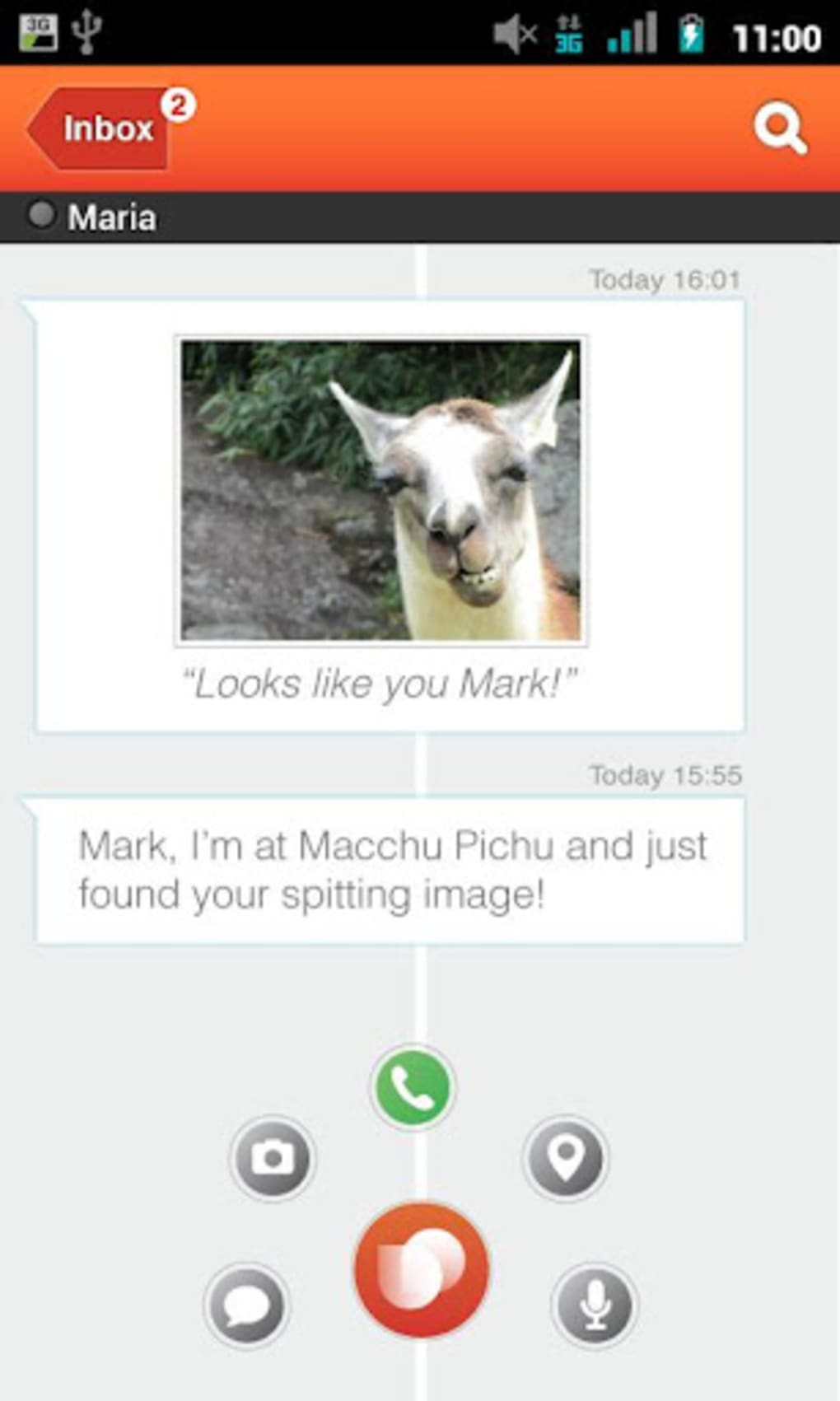
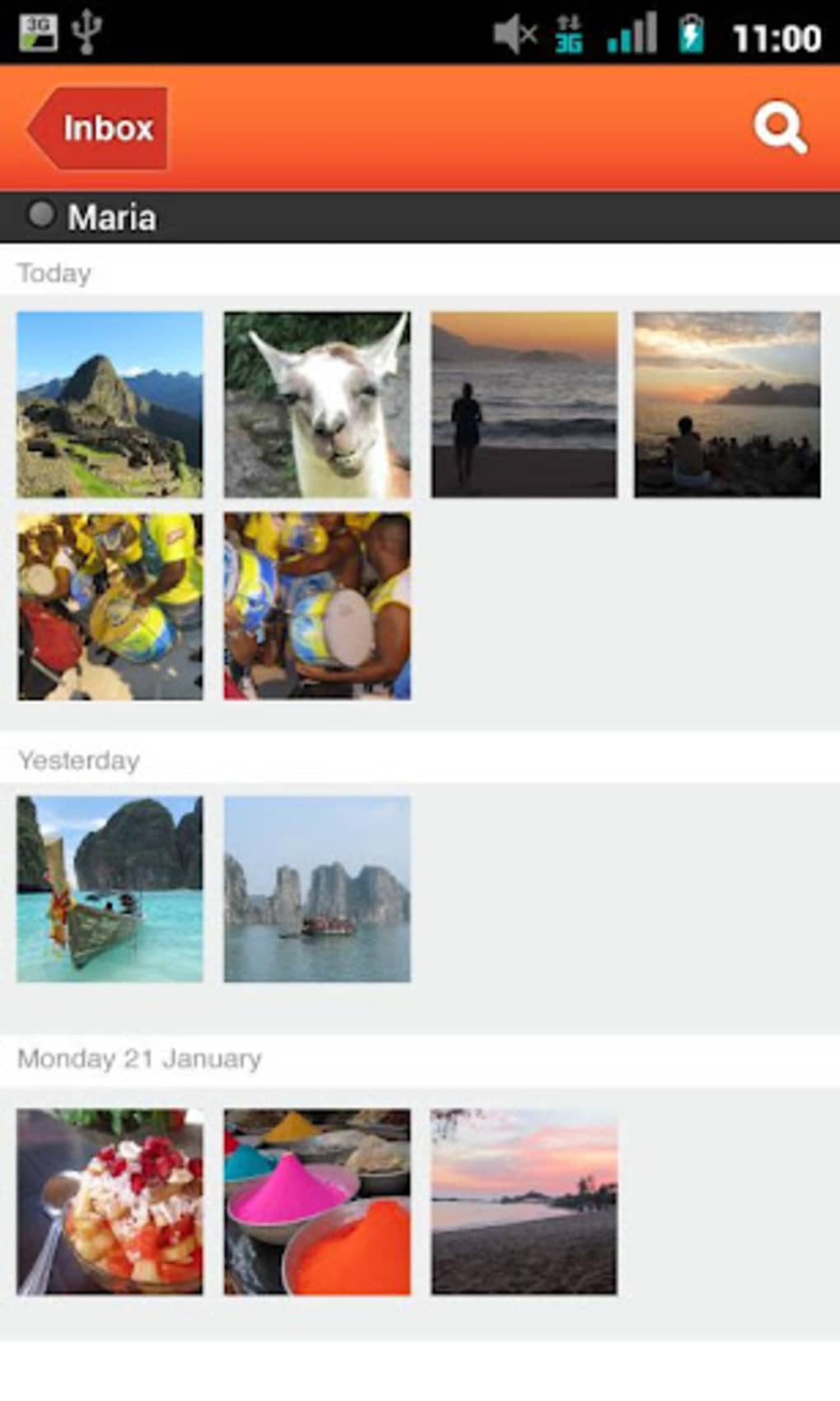
- Media Sharing: Share photos, audio files, and location data directly within conversations.
- Contact Integration: Automatically syncs with the device’s phone book to display contacts already using TU Me.
- Simple Options Menu: Centralized access to all available functions, including message composition, call initiation, and media upload.
- Minimalist Interface: Clean, uncluttered design focused on usability and quick access to core features.
These features are designed to enhance communication efficiency, particularly in environments where traditional calling is costly or unreliable. For example, users can quickly send a photo of an event to a friend abroad or initiate a free call during a data session. The app’s integration with the device’s contact list reduces setup time, while the intuitive layout supports fast navigation.
The ability to send audio messages offers a convenient alternative to typing, especially in busy or on-the-go situations. While specific technical details about message encryption or call routing were not provided, the app’s functionality aligns with standard practices in modern messaging platforms. Overall, TU Me delivers a functional set of tools that cater to everyday communication needs without requiring advanced configuration.
User Interface, Workflow & Performance
The user interface of TU Me is structured around simplicity and direct access to core functions. Navigation is handled through a bottom tab bar, with clearly labeled sections for chats, contacts, and settings. The chat screen displays messages in a clean, chronological layout, with timestamps and sender indicators.
The options menu is accessible via a single tap, allowing users to select actions such as sending a photo, starting a call, or sharing a location. Workflow efficiency is enhanced by the automatic contact synchronization, reducing the need for manual entry. The app’s performance appears stable during typical usage, though the developer did not specify resource usage details.
General observations suggest that the software operates smoothly on modern Android devices, with minimal lag during message transmission or call initiation. However, users may encounter occasional delays when establishing initial connections, as reported during testing. Stability is maintained during prolonged use, with no noticeable crashes observed.
CPU and RAM behavior were not documented, but the app’s lightweight design implies efficient resource management. Overall, the user experience is consistent with expectations for a standard messaging application, offering a reliable foundation for daily communication.
Compatibility & System Requirements
TU Me is designed to run on Android operating systems, with the specific version not detailed in the provided information. The application is available as a downloadable desktop-compatible package, though exact installation size and hardware requirements were not specified. Platform compatibility information is limited to Android, and no details were provided regarding support for other operating systems such as Windows or macOS.
The developer did not list minimum system specifications, including RAM, storage, or processor requirements. As a result, users should rely on general Android device capabilities when assessing suitability. The app is intended for use on smartphones and tablets with internet connectivity, and it functions primarily through Wi-Fi or mobile data networks.
For users seeking clarity on device compatibility, it is recommended to consult the official source or app store listing for updated details. Without further information, compatibility remains tied to the Android ecosystem.
Pros and Cons
Pros
- Free internet-based calling and messaging
- Intuitive, clean user interface
- Automatic contact syncing from phone book
- Supports multiple media types (photos, audio, location)
- Simple navigation with centralized options menu
Cons
- Exact system requirements not specified
- Performance details such as CPU/RAM usage not provided
- May experience initial connection issues during call setup
- Limited information about security and encryption protocols
- Not available on non-Android platforms
FAQ Section
Is TU Me available for Windows or Mac?
Based on the provided information, TU Me is designed for Android devices. There is no indication of availability for Windows or Mac operating systems.
Is TU Me secure?
The developer did not provide details on encryption methods or data protection practices. Users should exercise caution and review privacy policies before sharing sensitive information.
Does TU Me require an internet connection?
Yes, TU Me relies on Wi-Fi or mobile data to send messages and make calls. It cannot function without an active internet connection.
How often are updates released?
The frequency of updates was not specified. Users should check the official app store or developer website for the latest version.
Can I use TU Me offline?
No, TU Me requires an active internet connection for all core functions, including messaging and calling. Offline usage is not supported.
Final Thoughts + CTA
TU Me presents a solid alternative for Android users seeking a free, functional messaging and calling solution. Its clean interface, seamless contact integration, and support for media sharing make it a practical choice for everyday communication. While it may not yet match the polish and feature depth of industry leaders like WhatsApp, it delivers essential tools with minimal friction.
The ability to make free calls over the internet is a significant advantage, particularly for users in cost-sensitive environments. Although some aspects such as system requirements and security protocols remain unclear, the app performs reliably in standard use cases. For consumers looking for a lightweight, accessible tool to stay in touch without extra charges, TU Me is worth exploring.
Download TU Me now and experience fast, free communication on your Android device.





.png)

